Features
A tour of PodVault
Real screenshots of PodVault running on a demo library of public podcasts. Every page is server-rendered, dark, dense and keyboard-accessible, and everything it does is also available from the command line.
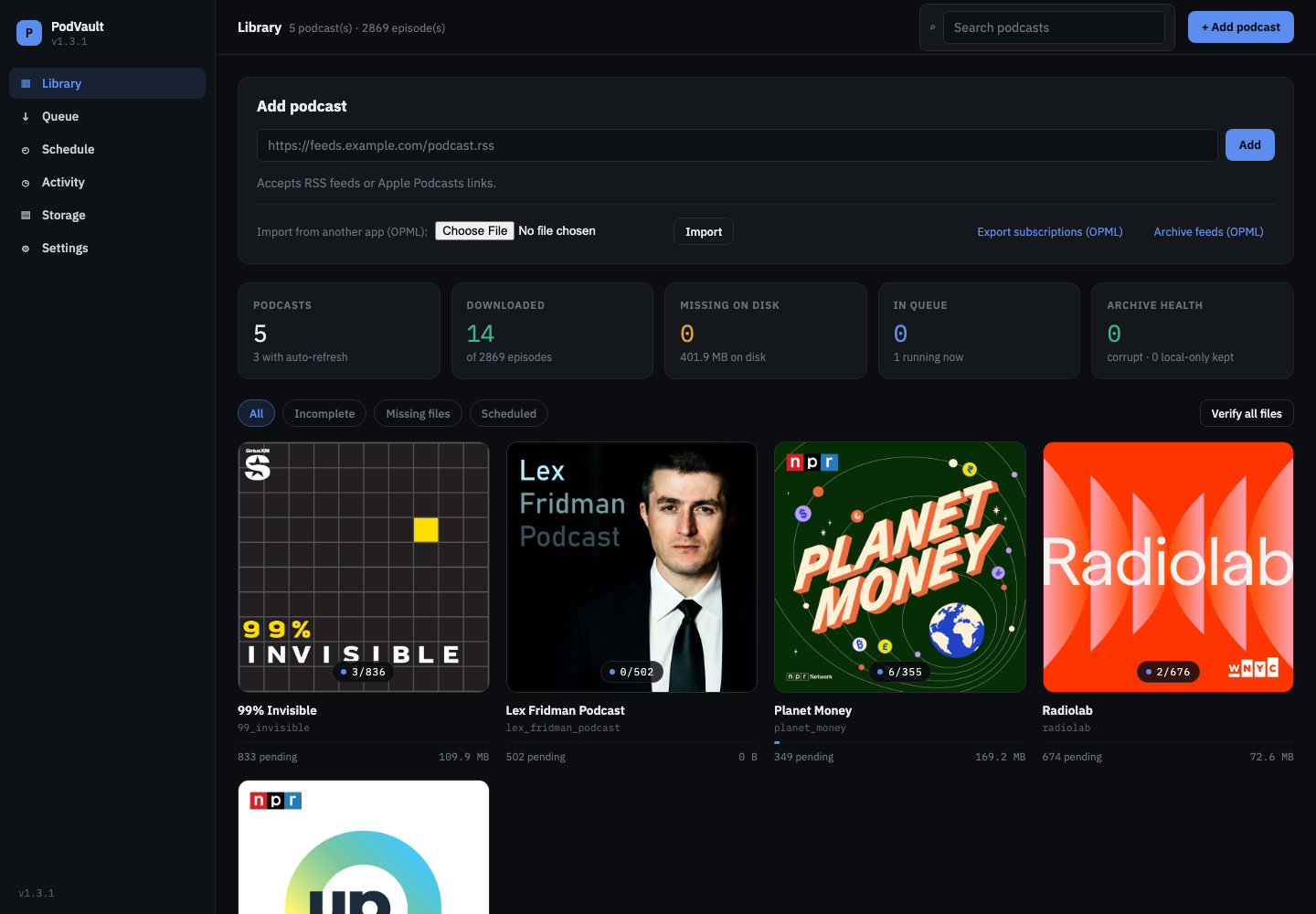
Library
Your whole archive at a glance.
- Add a podcast by RSS URL or Apple Podcasts link, or import an OPML file.
- Stat cards for podcasts, downloads, missing files, the queue and archive health.
- A cover grid with downloaded/total badges, filters and search.
Podcast page
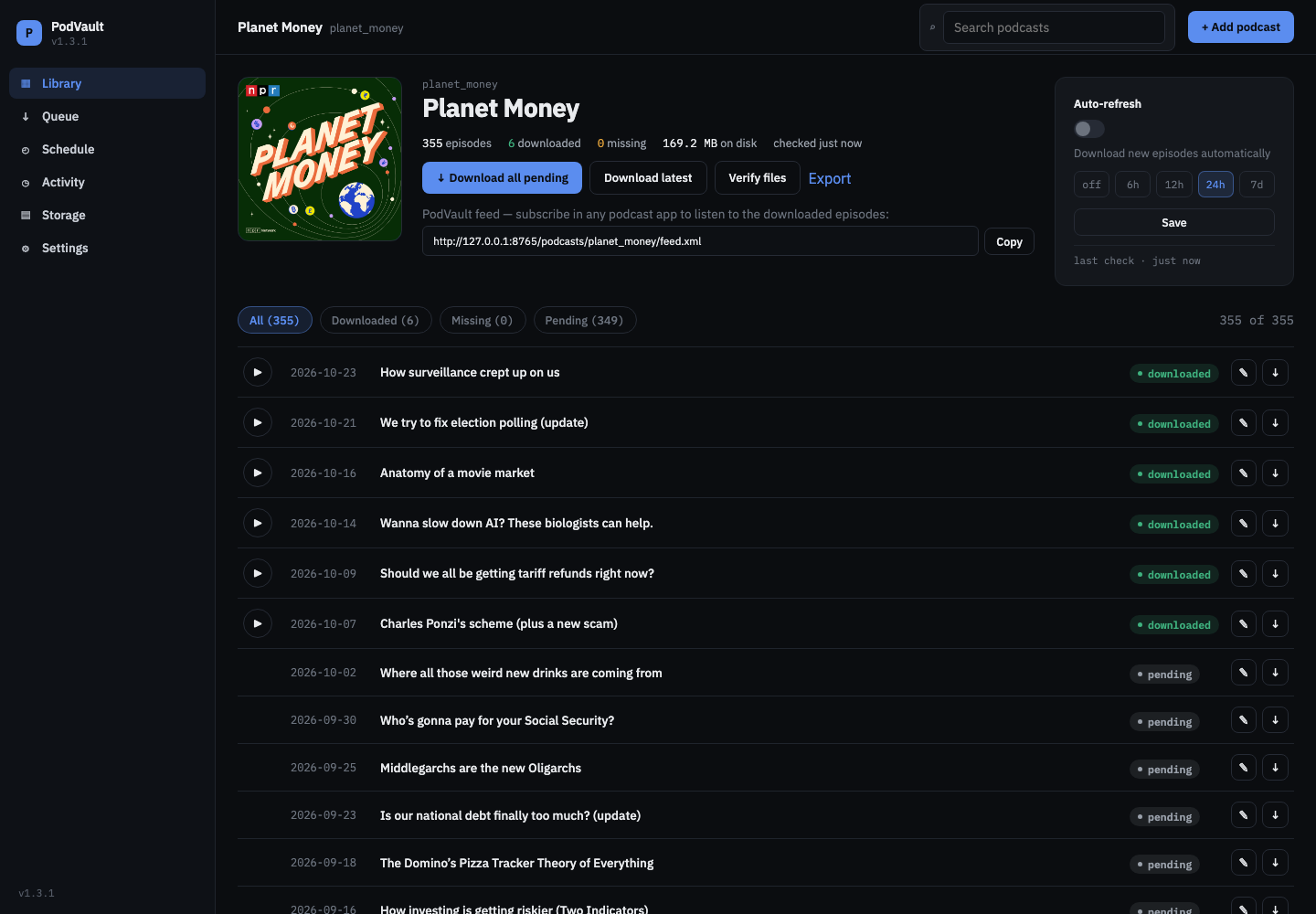
Every episode, its status, and its own feed URL.
- Download all pending, the latest, or a single episode. Verify files and export.
- Copy the podcast’s PodVault feed URL for your podcast app.
- Auto-refresh every 6h, 12h, 24h or 7d, with optional auto-download.
- A newest-first episode list with play, rename and download on every row.
Episode page
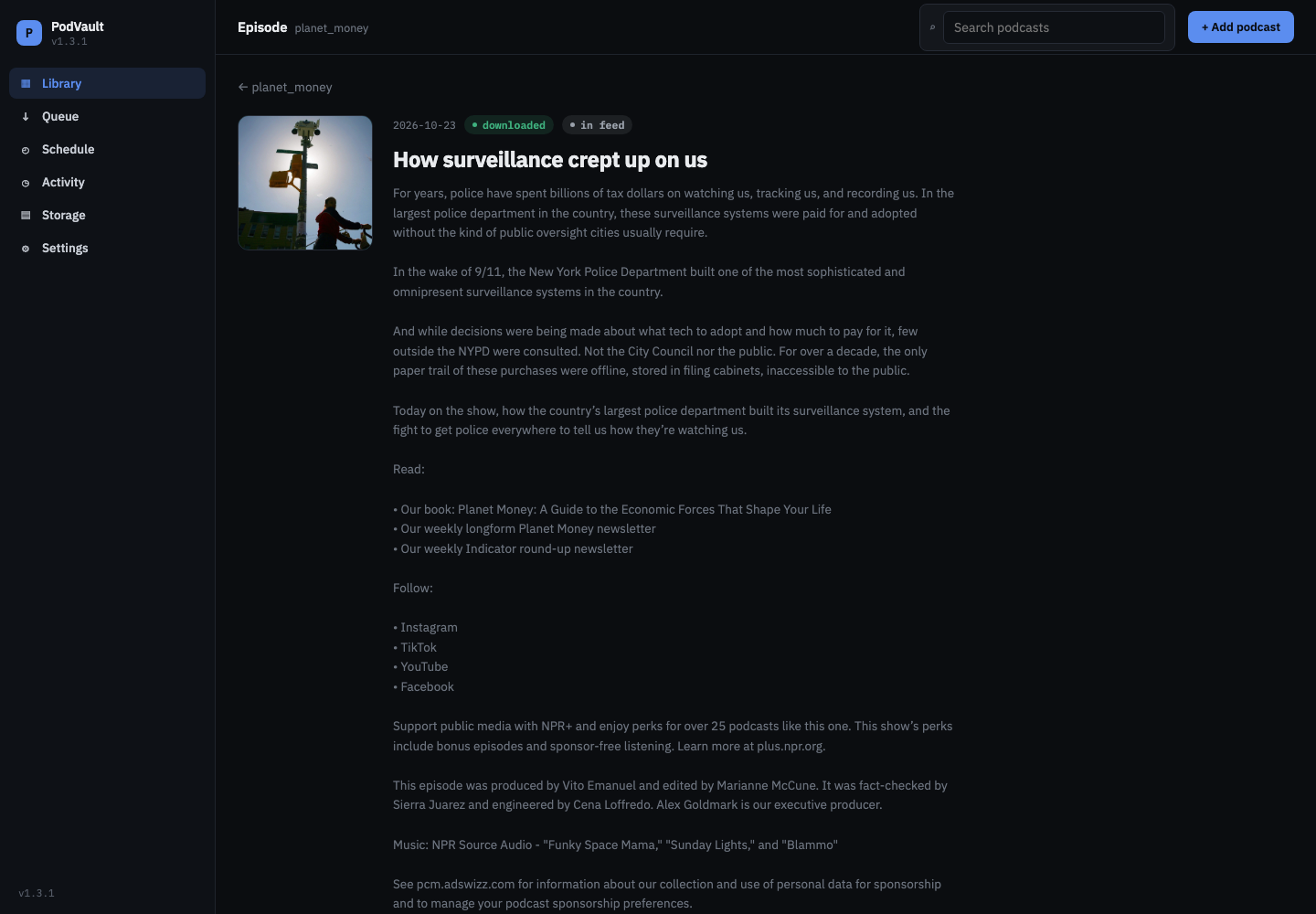
Every episode with its full show notes.
- Show notes as clean text, never raw feed HTML.
- Play, copy the file path, or re-download.
- A custom name that also renames the title tag and the files on disk.
- Duration, size, tag completeness, SHA-256 integrity, and the files on disk: audio, cover and the original RSS entry.
Queue
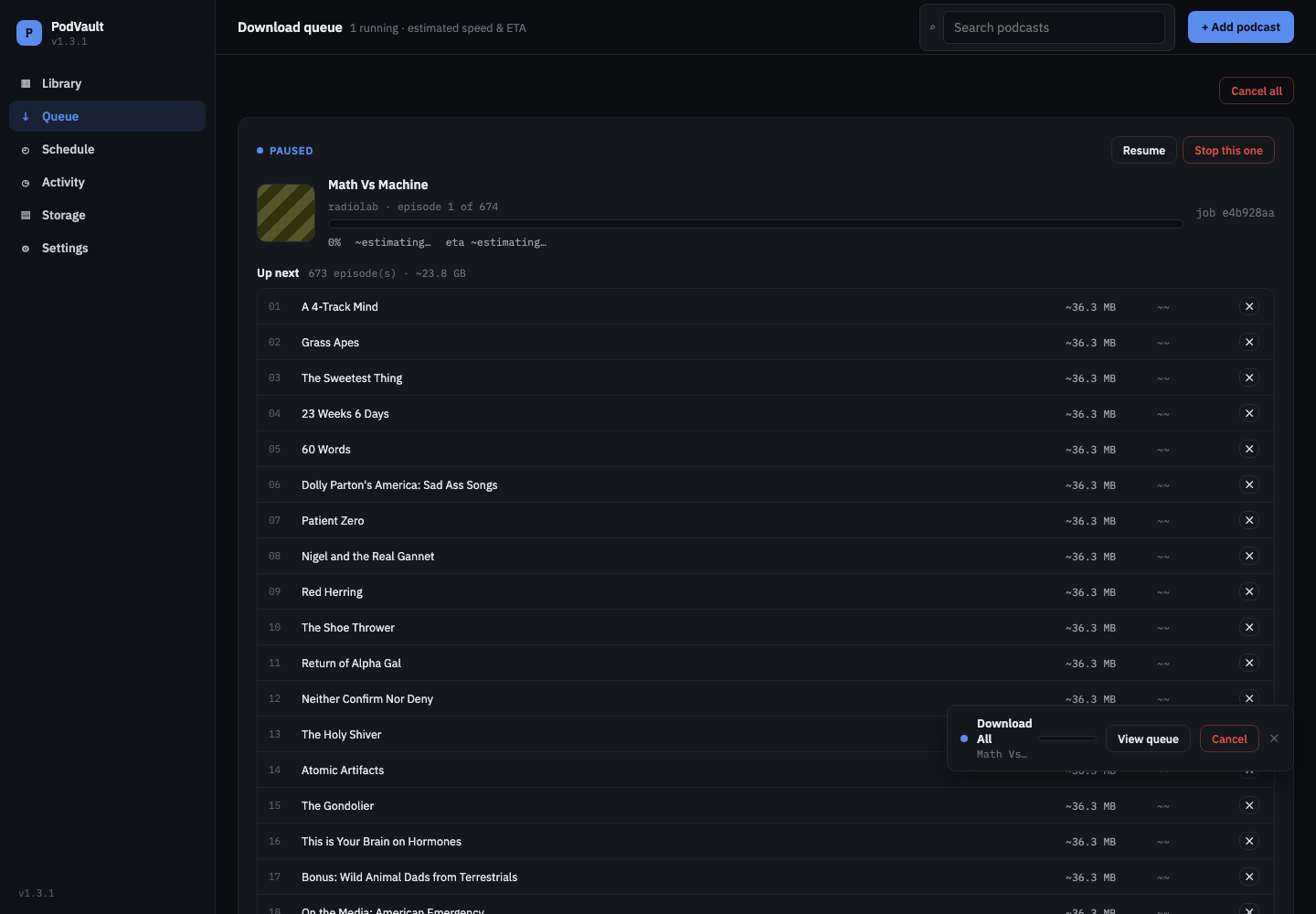
Pause, resume, cancel, or skip, and finished episodes are always kept.
- Progress with estimated speed and time remaining.
- Pause, resume, stop one job or cancel all.
- Drop single episodes from the up-next list.
- Control takes effect between episodes, so you never get half a file.
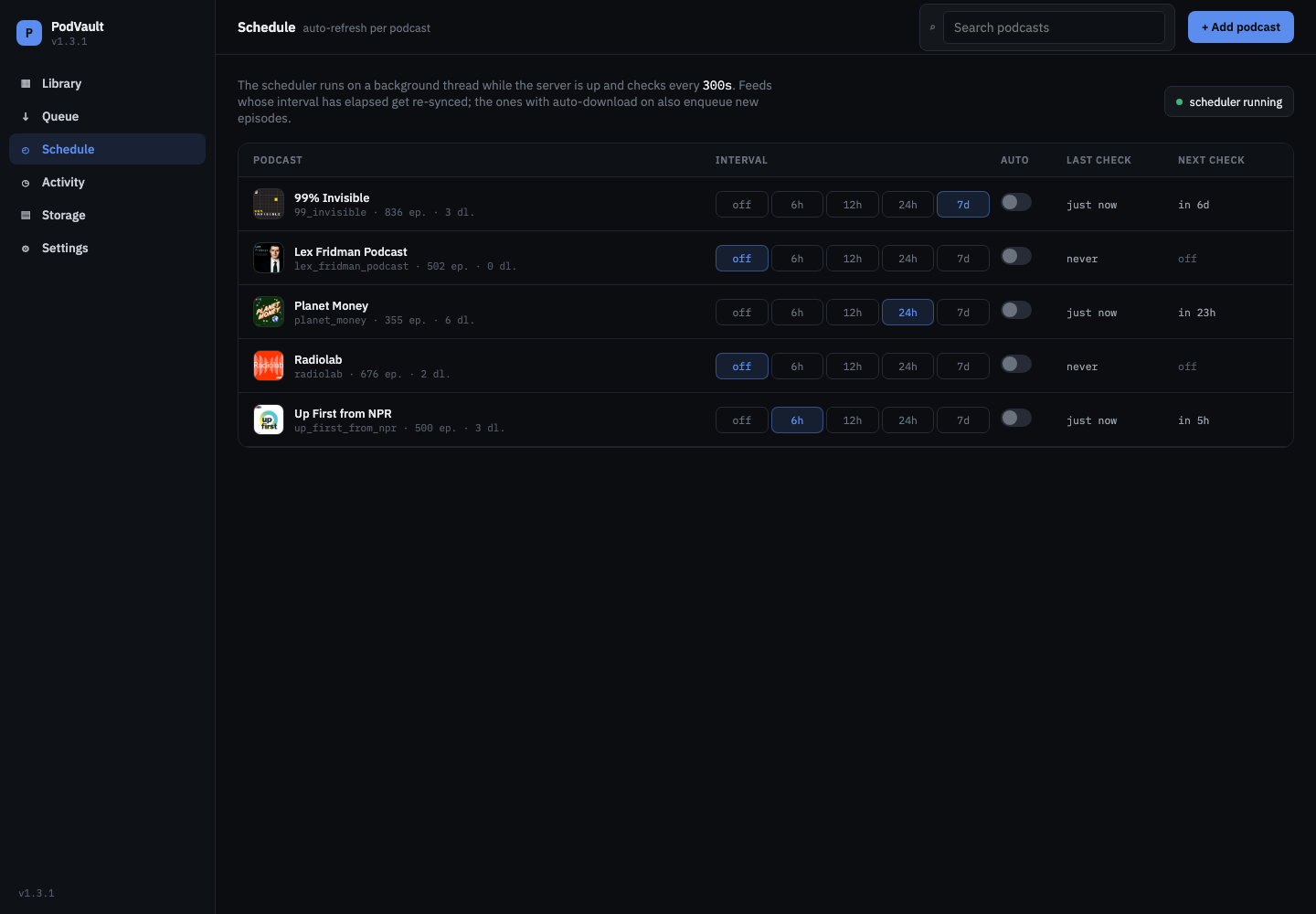
Schedule
Check feeds on a schedule and grab new episodes automatically.
- Every podcast’s refresh interval and auto-download toggle in one table.
- Last and next check per podcast, and whether the scheduler is running.
Activity
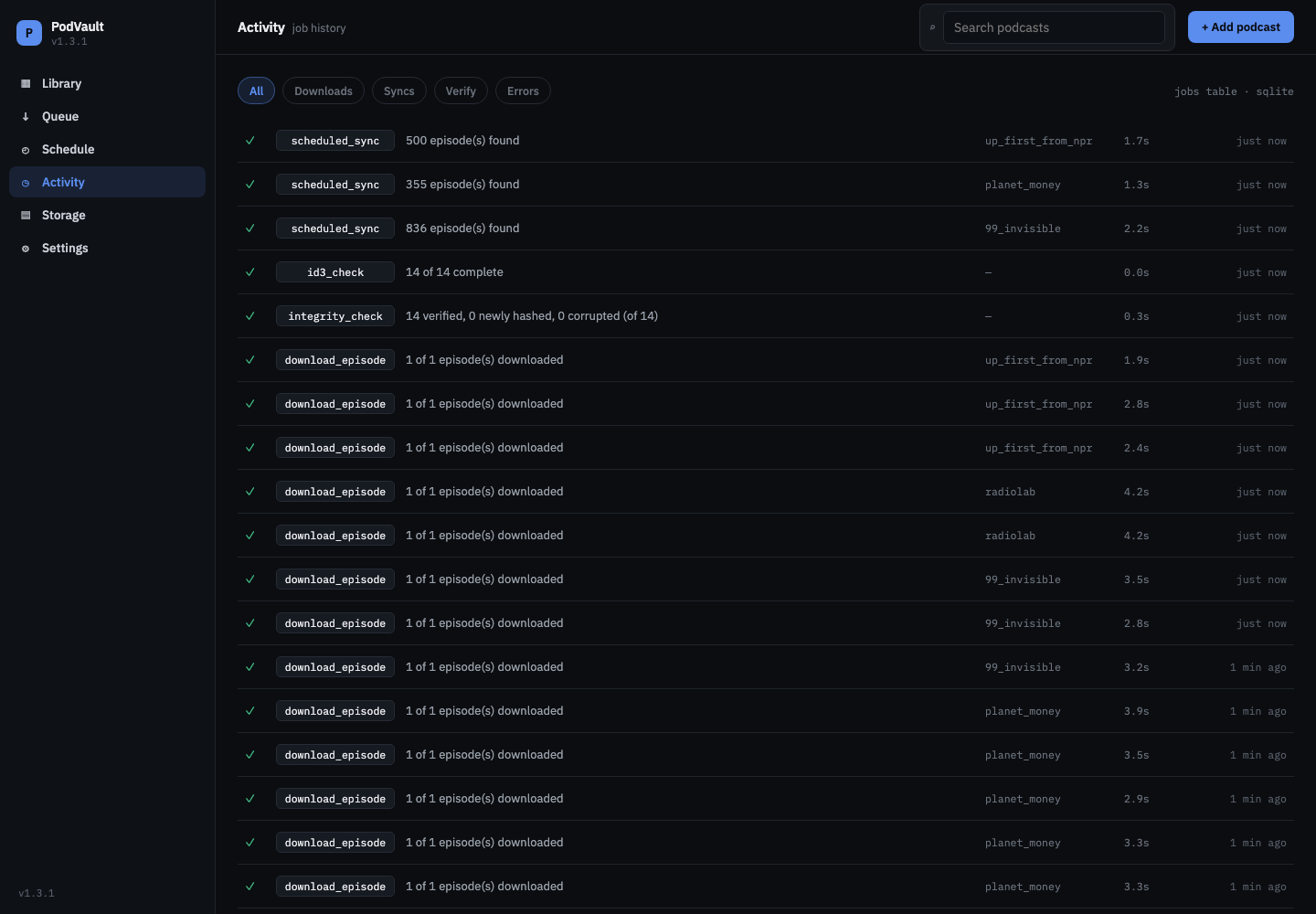
A log of everything PodVault did.
- Downloads, feed syncs, verification, tag and integrity checks, and errors.
- Including the syncs the scheduler ran on its own, with duration and time.
Storage
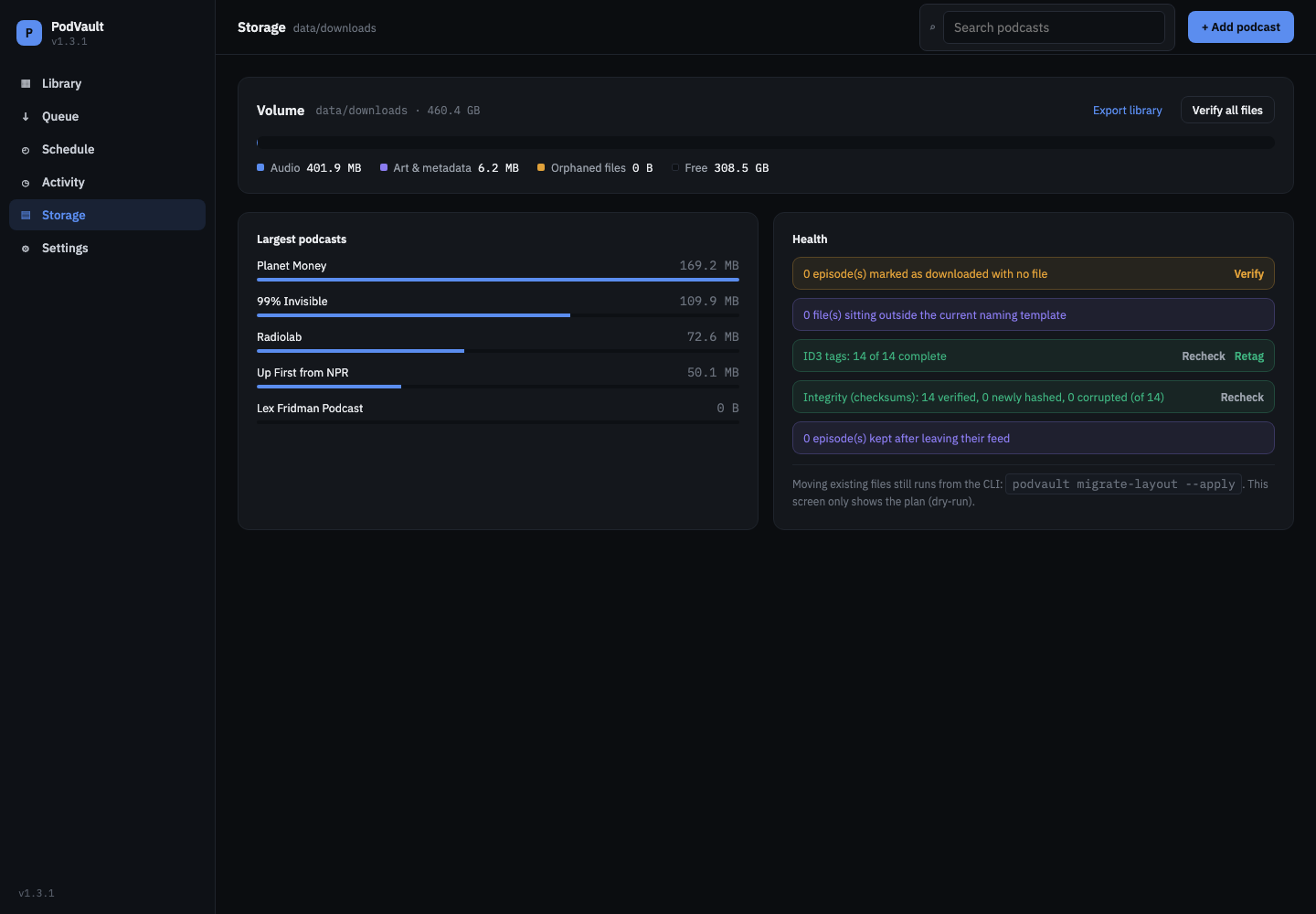
Archive health checks with one-click fixes.
- Disk usage for audio, art and metadata, and free space. Your largest podcasts.
- Checks for missing files, files outside the naming template, tag completeness and SHA-256 integrity.
- Re-download every corrupt file at once, and review episodes kept after leaving their feed.
Settings
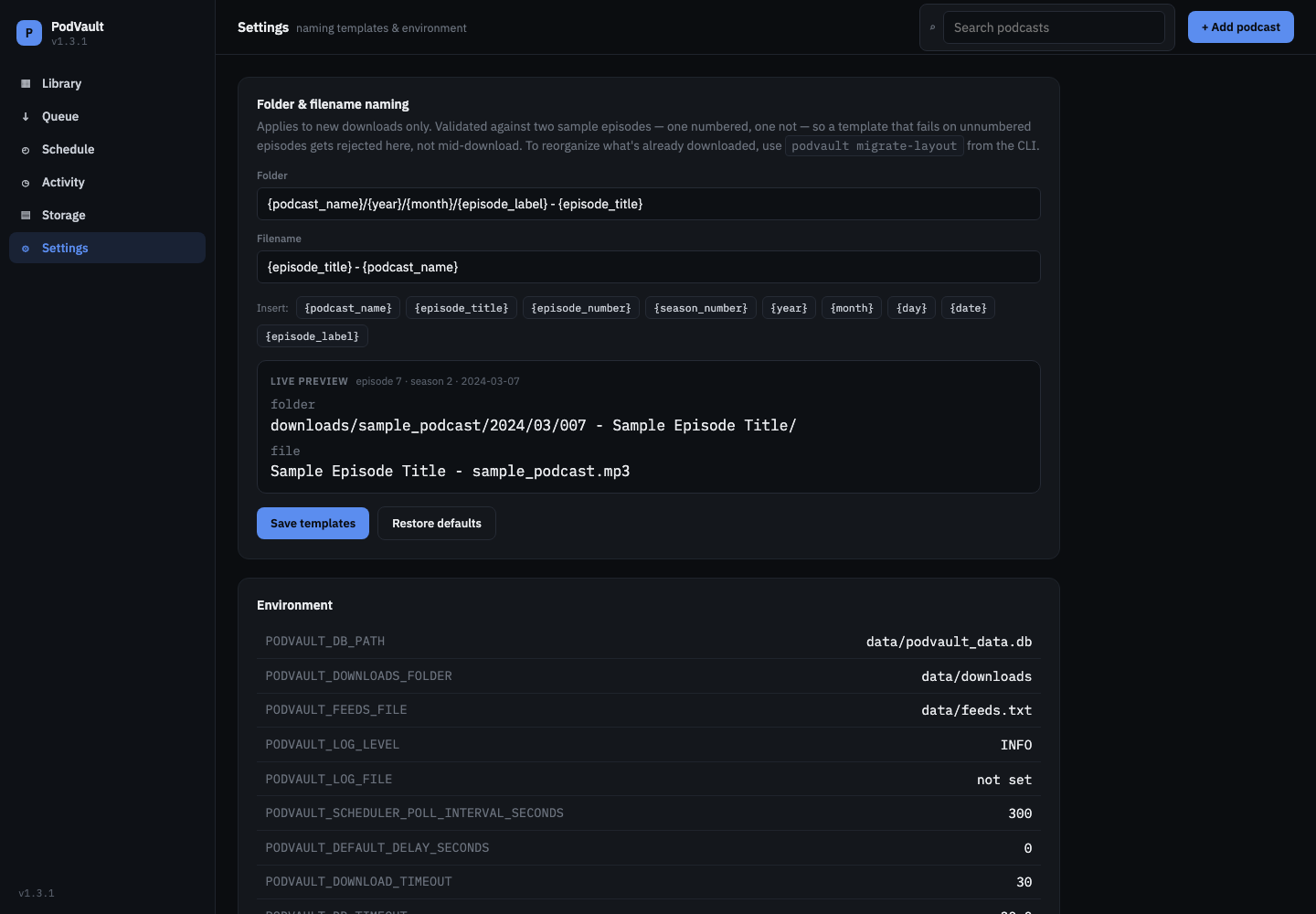
Name folders and files your way, with a live preview.
- Folder and file name templates with clickable variables.
- Validated against numbered and unnumbered episodes before saving.
- An Environment panel with the PODVAULT_* settings in effect.
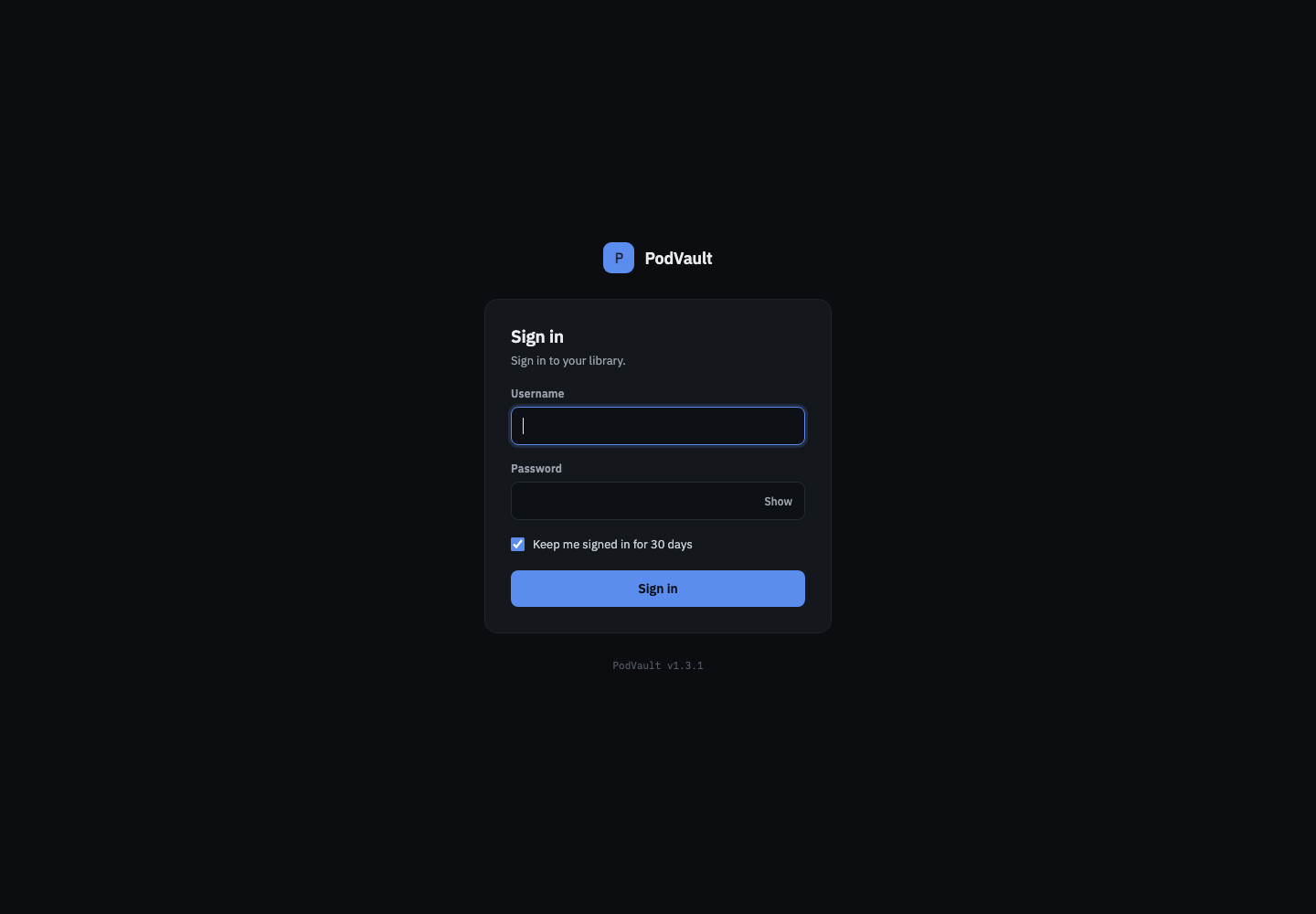
Sign in · new in 1.3
An optional login for your home network.
- Turn it on with two environment variables.
- “Keep me signed in for 30 days”, sliding sessions and Sign out.
- A lockout after repeated wrong passwords.
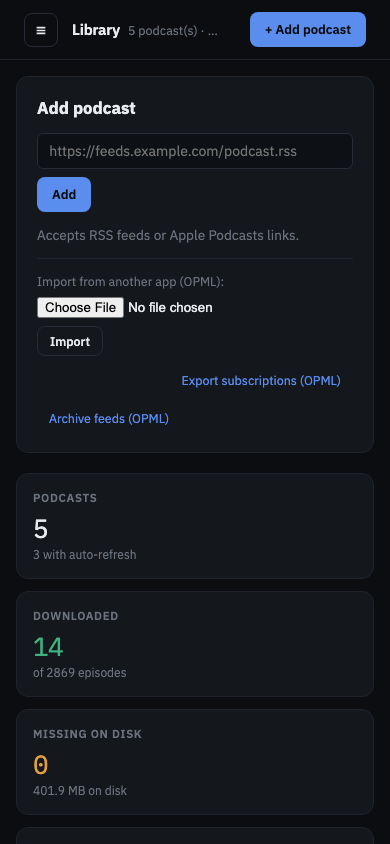
On your phone
Works on your phone, too.
- A responsive layout with a collapsible sidebar.
- Manage downloads from the couch, on your home network or over a VPN.
Player
Listen right in the browser.
Every downloaded episode has a ▶ button that opens a player bar at the bottom of the page: cover art, title, a seek bar you can scrub without waiting for the whole file, previous, ±15s, ±30s, next, and a playback-speed toggle. It streams your local copy, not the publisher's.
And also
Under the hood
Any podcast feed
RSS URLs or Apple Podcasts links, plus OPML import and export to move subscriptions from or to any podcast app.
Any audio format
MP3, M4A/M4B (AAC), Ogg/Opus, FLAC… saved with the right extension, with ID3 (MP3) or MP4 tags.
Archive safety
SHA-256 integrity checks, episodes kept after the publisher deletes them, JSON export of the inventory and automatic database backups.
Auto-refresh
Per-podcast schedules that check feeds and download new episodes automatically.
Complete CLI
Every command for scripting: add, download, verify, rename, schedule, OPML, backups and more.
One container, one volume
A multi-arch Docker image configured with PODVAULT_* environment variables. Everything lives in /app/data.